

Your home screen quietly shapes your gaming habits. The games placed there are the games you see when you unlock your phone, when you are bored, and when your thumb moves without much thought. If the wrong games sit there, you may keep opening apps that no longer feel good. Choosing which games deserve home screen space is a small decision, but it can make mobile gaming feel more intentional.
A game deserves home screen space if it matches your current routine. Maybe you play a word puzzle every morning, a story game before bed, or a casual game during short breaks. Easy access makes sense when the game has a clear place in your day. If you only open a game because its icon is bright and nearby, it may be better in a folder. Convenience should support enjoyment, not create automatic habits you did not choose.
Pay attention to how you feel after playing. Some games are fun during the first few minutes but leave you irritated, rushed, or guilty. Others may look simple but reliably improve your mood. Put the second kind closer. Move the first kind away, at least for a while. Home screen space is not a reward for the game with the most features. It is a place for apps that fit your life well.
A few checks before you change everything
Consider whether the game interrupts you. If an app sends many notifications, offers, and limited-time prompts, placing it on the home screen can double its presence. You see the icon and receive the reminders. That may be fine for a game you truly care about, but too much for one you are casually testing. Games with aggressive attention habits often belong in a folder with notifications limited. This gives you more control over when play begins.
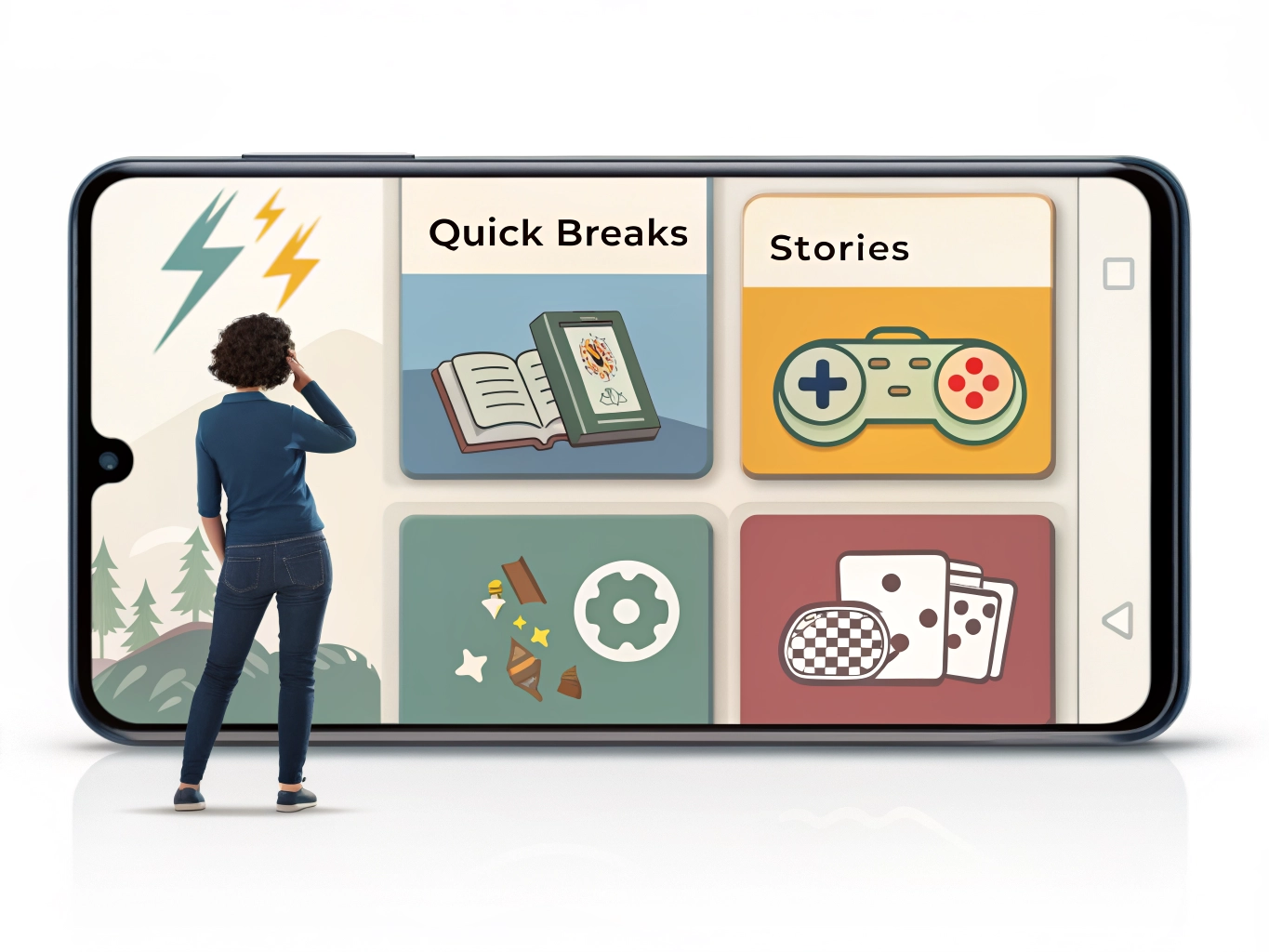
Use folders for moods. Quick Breaks, Stories, Cozy Games, Daily Games, and Testing are more useful than a giant Games folder full of random icons. A folder can still be easy to access without making every game compete for attention. If you are in the mood for a story, open the Stories folder. If you have three minutes, open Quick Breaks. This turns game choice into a small intentional act instead of a scroll through clutter.
Review home screen games every couple of weeks. Mobile games change through updates, events, difficulty shifts, and your own schedule. A game that was perfect during a quiet month may feel demanding during a busy one. Moving it off the home screen does not mean deleting it forever. It simply means it no longer needs prime space. Your phone should reflect your present routine, not every app you once enjoyed.
A clean home screen can make games feel better because it reduces decision fatigue. You know what each visible game is there for. You open it because you want that experience. You close it when the moment is done. This small boundary helps casual gaming stay casual. The best games on your home screen are not necessarily the biggest or newest; they are the ones that earn their place by making your free time feel better.
You can also use home screen placement as a spending boundary. If a game frequently tempts you with offers, moving it into a folder adds a small pause before opening. That pause can reduce automatic check-ins and impulse purchases. The goal is not to hide games in shame. It is to give yourself enough space to choose.
Widgets and shortcuts can help for games you truly love, but use them sparingly. A widget that shows timers or rewards may be useful for a daily routine game. It may also make the game feel too present. Try it for a week, then remove it if it creates pressure. Convenience should make the experience easier, not louder.
The home screen is a living space. Treat it like one. Keep the apps that fit your current mood and schedule, store the rest neatly, and let old games leave when they no longer belong. This small act of curation can make your phone feel calmer every time you unlock it.
Home screen space can also support healthier breaks. If your most relaxing game is hidden on page three while the most stressful one sits under your thumb, your phone is working against you. Move the apps that fit your preferred mood closer. This is a small design choice, but it changes what you reach for when you are tired, bored, or waiting.
If you are unsure whether a game deserves a visible spot, try a one-week test. Move it to the home screen and see if it improves your breaks or simply creates more automatic tapping. At the end of the week, keep it there only if the easy access genuinely made your day better.