

Touch controls can make or break a mobile game. When they work, you barely notice them. When they feel wrong, every mistake seems unfair. A button is too small, a swipe does not register, a joystick drifts, or your thumb covers the thing you need to see. Beginners often assume awkward controls are something they must accept. Sometimes they are, but many games offer enough adjustment to make the experience noticeably better.
Start with the control settings menu. Look for options such as sensitivity, button size, layout, joystick position, tap control, swipe control, or control mode. Try one change at a time. If you raise sensitivity and move buttons at the same time, it becomes hard to know what helped. Casual games should feel relaxed and reliable. The goal is not to make controls extreme; it is to remove the small friction that causes repeated mistakes.
Button size is especially important on smaller phones. If you miss buttons often, make them larger. If buttons cover too much of the screen, move them or reduce opacity if the game allows it. Some players prefer fixed joysticks because they always know where the control begins. Others prefer floating joysticks because the thumb can start anywhere. Test both if available. Comfort depends on your hands, phone size, and how the game uses movement.
Clean the screen. This sounds too simple, but fingerprints, dust, and moisture can make touch input less consistent. A quick wipe can fix problems that feel like poor game design. Also check your screen protector. A cracked, lifting, or low-quality protector may affect swipes and taps. If touch issues happen across several apps, the problem may not be the game. Separating phone issues from game issues saves frustration.
Small habits make the biggest difference
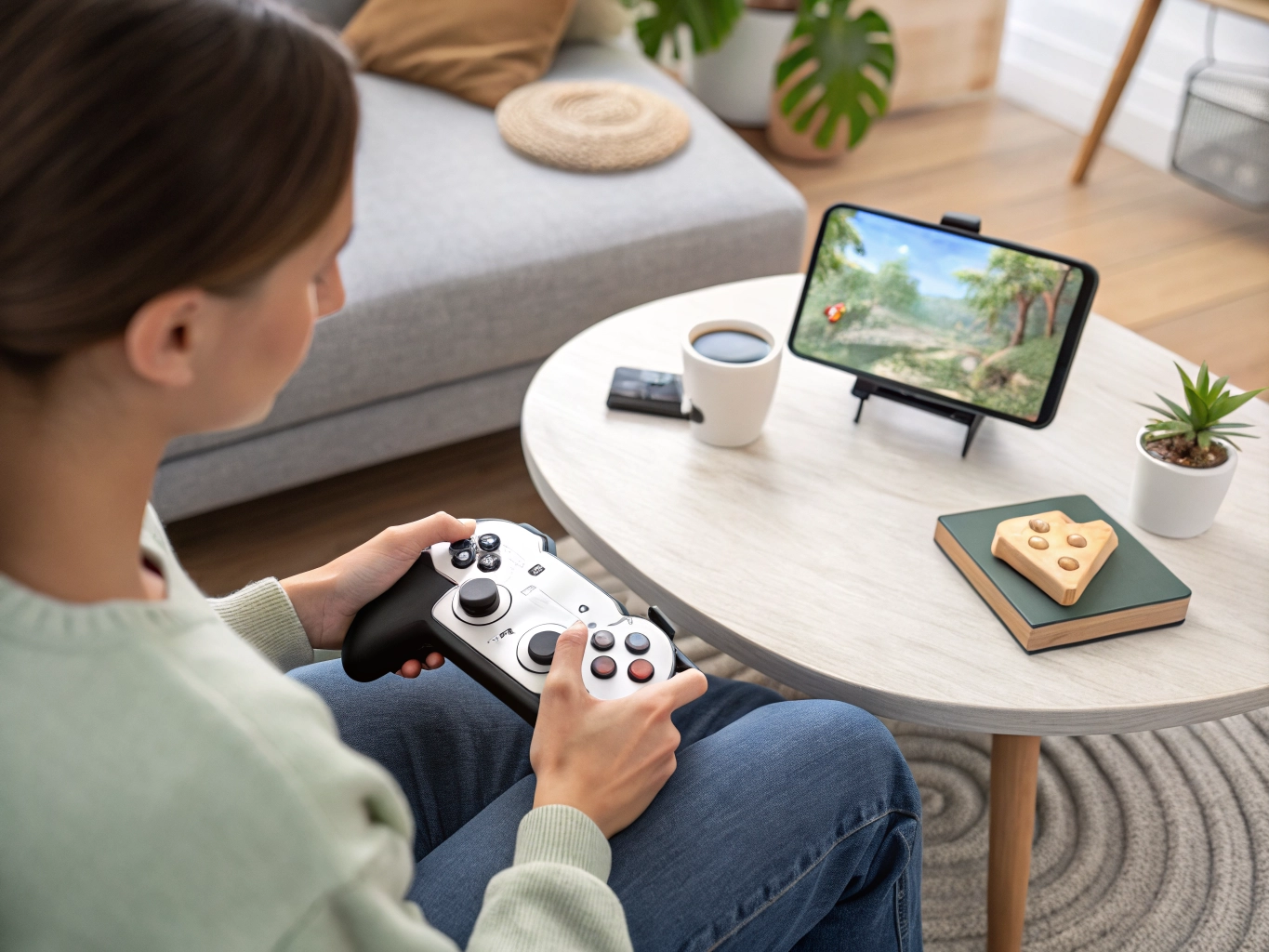
Think about grip. Holding the phone too tightly can make thumbs stiff and reduce accuracy. Rest your hands when possible. For slower games, use a stand or place the phone on a table. For games that require two thumbs, make sure your case does not make edges hard to reach. Touch controls are physical. Your hands, posture, and phone position matter as much as the on-screen layout.
Reduce distractions that cause mis-taps. Notifications, pop-ups, low battery warnings, and chat overlays can cover controls at bad moments. Turn on Do Not Disturb during focused play and close unnecessary apps. If the game has a busy interface, hide optional elements where possible. A clean screen gives your fingers clearer targets and your eyes less to process.
If controls still feel bad after adjustment, the game may not suit your device or play style. Some games are built around precise action that feels better with a larger phone, controller, or different platform. That is not your fault. Casual mobile gaming should feel comfortable enough to enjoy without fighting the interface. Good controls let you think about the puzzle, story, or strategy instead of the glass under your thumbs.
Some games work better with tap controls than swipe controls, even if both are available. If swipes feel unreliable, try tap-to-move or button-based options. If tapping feels too busy, try gestures. Developers include alternatives because players have different hands, screens, and habits. Testing control modes is not a sign that you are struggling; it is normal setup.
If you use a phone case with raised edges, check whether it blocks comfortable access to corner buttons. Many games place important controls near edges because the screen is small. A bulky case can make those spots harder to reach. You may not want to change the case, but you can move buttons inward if the game allows it.
Good touch controls should reduce mental effort. You should not have to think, did I tap the right place, after every action. Once controls feel stable, the game becomes more enjoyable because attention returns to decisions, timing, story, or puzzle logic. That is when a mobile game starts feeling natural.
Touch comfort is often learned through small mistakes. If you keep missing the same button, that is not just clumsiness; it is feedback. If your thumb covers important information, that is layout feedback. If swipes fail when your screen is slightly damp, that is device feedback. Listening to these clues makes mobile gaming less frustrating and helps you choose games that fit your hands.
Control problems can also come from rushing. If you are irritated, your taps become harder and less accurate. Slow down for one level and see whether the controls still feel bad. Sometimes the interface needs adjustment. Sometimes your hands simply need a calmer pace.
Most players do not need a perfect setup. They need a setup that removes the one or two problems they notice every time they play. Fix those first, then let the game prove whether it belongs in your regular rotation.