
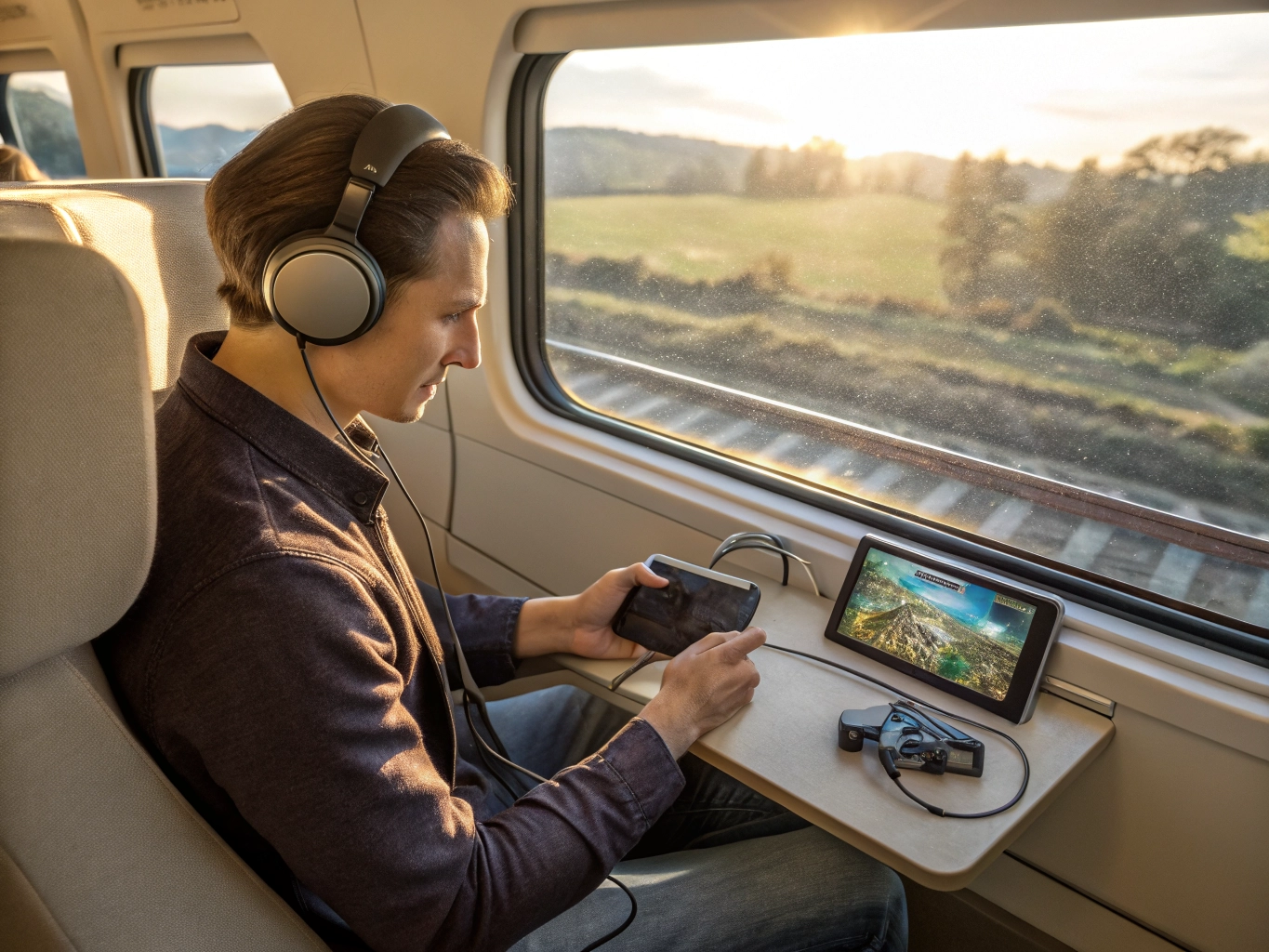

Travel sounds like the perfect time for mobile games until the practical problems appear. The signal is weak, the battery is falling, the seat is cramped, the screen is too bright, and the game wants to download an update at the worst possible moment. A little preparation can make the difference between a relaxing trip and a phone full of loading screens. Travel gaming works best when you plan for limited comfort instead of pretending the trip is your living room.
Before leaving, open the games you might play and let them update on Wi-Fi. Many games need to download event files, story chapters, maps, or assets after an app store update. If you wait until you are on a train or in an airport, slow connection can ruin the session before it starts. Also check whether the game works offline. Some casual games appear simple but still require constant online checks for rewards or ads. Keep at least one offline-friendly game ready.
Battery planning matters more while traveling. Lower brightness, reduce graphics, close background apps, and bring a power bank if the trip is long. Avoid starting a battery-heavy game when you still need your phone for navigation, tickets, messages, or payment. It is easy to forget that travel gives your phone several jobs. A game should not leave you anxious about having enough power to get home.
A few checks before you change everything
Choose games that match the movement around you. Fast action, tiny text, or games that require constant precision may feel worse in a moving vehicle. Puzzle games, word games, slow story games, and turn-based play are often more comfortable. If you get motion discomfort, avoid games with camera movement, shaking effects, or fast scrolling. A calmer game can make travel time pass without making your eyes work too hard.
Sound needs a travel plan too. Headphones are useful, but keep volume safe and comfortable. Some games suddenly play loud ads or reward sounds, so lower effects before boarding or entering a quiet space. If you prefer not to use sound, make sure captions or visual cues are enough to follow the game. A good travel game should not depend on audio you cannot comfortably hear.
Storage can become a surprise issue. Taking photos and videos while traveling may fill your phone quickly. If a game then tries to update or save content, it may struggle. Clear space before the trip and remove games you will not use. If you are testing new games, download them in advance instead of relying on travel Wi-Fi. Public connections can be slow, unstable, or annoying to sign into.
Most importantly, keep expectations flexible. Travel is full of interruptions: boarding calls, seat changes, messages, delays, and low signal areas. Pick games you can pause easily and leave without penalty. A good travel session may be ten calm minutes, not a full evening of progress. When your games are updated, battery use is controlled, sound is comfortable, and the game fits the setting, mobile play becomes a pleasant companion instead of another travel problem to manage.
Travel is also a good time to avoid games that require quick reactions. A sudden bump, boarding announcement, or weak signal can ruin a timed challenge. Choose games that forgive pauses. Turn-based puzzles, story chapters, and simple management games are more travel-friendly because they let real life interrupt without punishment.
Prepare your screen for changing light. Airports, trains, buses, and cars can move between bright windows and dim corners. Keep brightness accessible and avoid games where tiny details disappear in glare. If you use dark mode, test it before the trip; in bright spaces, dark screens can sometimes be harder to read.
When the trip ends, review which games actually worked. Delete travel downloads you did not enjoy, keep the reliable ones, and remember them for next time. Over a few trips, you can build a small travel-friendly set that makes delays and waiting rooms less boring without draining your phone or patience.
Travel also changes your tolerance for ads and online checks. At home, a loading screen may be mildly annoying. On a weak connection, it can end the session completely. Before a trip, favor games that can still give you something to do when the signal drops. Offline-friendly design, clear pausing, and low battery use matter more on the road than flashy features.
Do not forget physical comfort while traveling. If your neck is bent for too long, even the best game becomes uncomfortable. Hold the phone higher when possible, switch hands, and pause between stages. Travel gaming should make waiting easier, not add stiffness to an already tiring trip.
Most players do not need a perfect setup. They need a setup that removes the one or two problems they notice every time they play. Fix those first, then let the game prove whether it belongs in your regular rotation.