
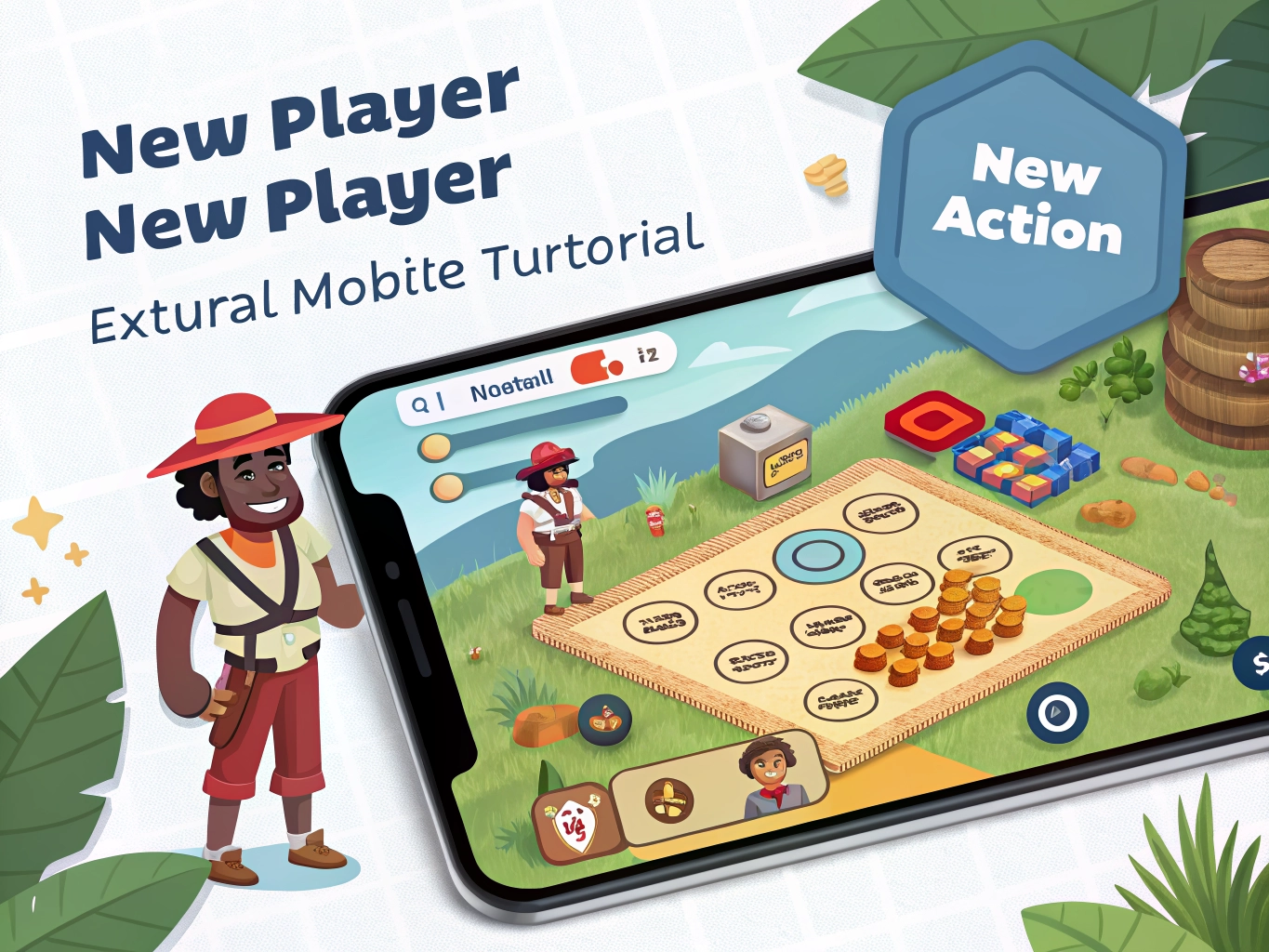

Many mobile games try to be helpful and end up overwhelming new players. A tutorial may explain battles, rewards, currencies, upgrades, events, shops, characters, settings, and daily tasks in the first ten minutes. The screen flashes, arrows point everywhere, and you tap because the game tells you to tap. When the tutorial ends, you may not remember what any of it meant. This is common, and it does not mean you are bad at games.
The first rule is to focus on actions, not systems. At the beginning, you only need to know what you can do right now. How do you start a level? How do you make a choice? How do you collect a reward? How do you save progress? You do not need to understand every upgrade path or event currency immediately. Tutorials often introduce future systems early because the game wants to show depth. You can let that information wait.
Read slowly when the game explains something permanent. Account linking, spending premium currency, choosing a name, selecting a character route, or using rare items may matter later. These screens deserve attention. On the other hand, a temporary event pop-up or starter bundle can usually be closed and revisited. Beginners often give equal attention to every screen, which makes the game feel heavier than it is. Learn to identify what is important now and what is simply noise.
Take screenshots of confusing menus. This sounds simple, but it helps. If a tutorial explains a system too quickly, screenshot it and continue. Later, when you have context, the explanation may make more sense. This is especially useful for games with multiple currencies, character stats, crafting materials, or daily missions. You do not need to memorize everything while the game is still introducing itself.
Small habits make the biggest difference
Try learning through one small loop. In most games, the basic loop is repeated: play a level, earn something, upgrade something, unlock something, then play again. Once you understand that loop, the rest becomes easier. Do not explore every menu after the tutorial. Play one normal round or chapter. See what rewards you get. Then visit the menu that uses those rewards. Learning after doing is usually clearer than reading five explanations before you have seen the game in motion.
Ignore advanced optimization at first. Online guides may tell players the best build, best route, best team, or best way to spend resources. That can be useful later, but too much advice too early can remove the fun of discovery. For the first session, aim to understand the mood and rhythm of the game. Do you enjoy the story? Do the controls feel good? Are the tasks relaxing or stressful? These questions matter more than perfect efficiency.
A tutorial is not a test. It is an introduction, and introductions can be messy. If you miss something, most games provide help menus, repeatable guides, question marks, or early levels that teach the idea again. Give yourself permission to learn gradually. The best mobile gaming experiences often begin when you stop trying to understand everything at once and start noticing what actually matters to your play style.
It is useful to revisit the tutorial area after you understand the game better. Many games have a help menu, guidebook, question mark icon, or replayable training stage. What felt confusing in the first five minutes may become clear after you have played a few normal rounds. Learning is often easier the second time because the words now connect to actions you recognize.
Do not let early confusion decide too quickly whether the game is bad. Some games have clumsy tutorials but enjoyable core play. Others have polished tutorials but become stressful later. Give yourself enough time to see the main loop. Then judge whether the game feels worth learning. A confusing first screen is a warning sign, not a final verdict.
If you are helping another beginner, resist explaining every system at once. Show them the next useful action, then let them play. Mobile games become friendlier when learning happens in small pieces. The same approach works when you are teaching yourself.
The best tutorial mindset is curiosity without pressure. You are allowed to tap around, make small mistakes, and learn what the game values. Most beginner mistakes are not permanent. If a game punishes early curiosity too harshly, that is useful information about the design. Friendly mobile games give new players room to understand the experience before asking for serious decisions.
A game with a good tutorial usually gives you confidence, not just information. After the first session, you should know how to start playing again tomorrow. If the tutorial only shows many systems without giving you a simple routine, rely on your own small loop: play, collect, check one menu, stop.