
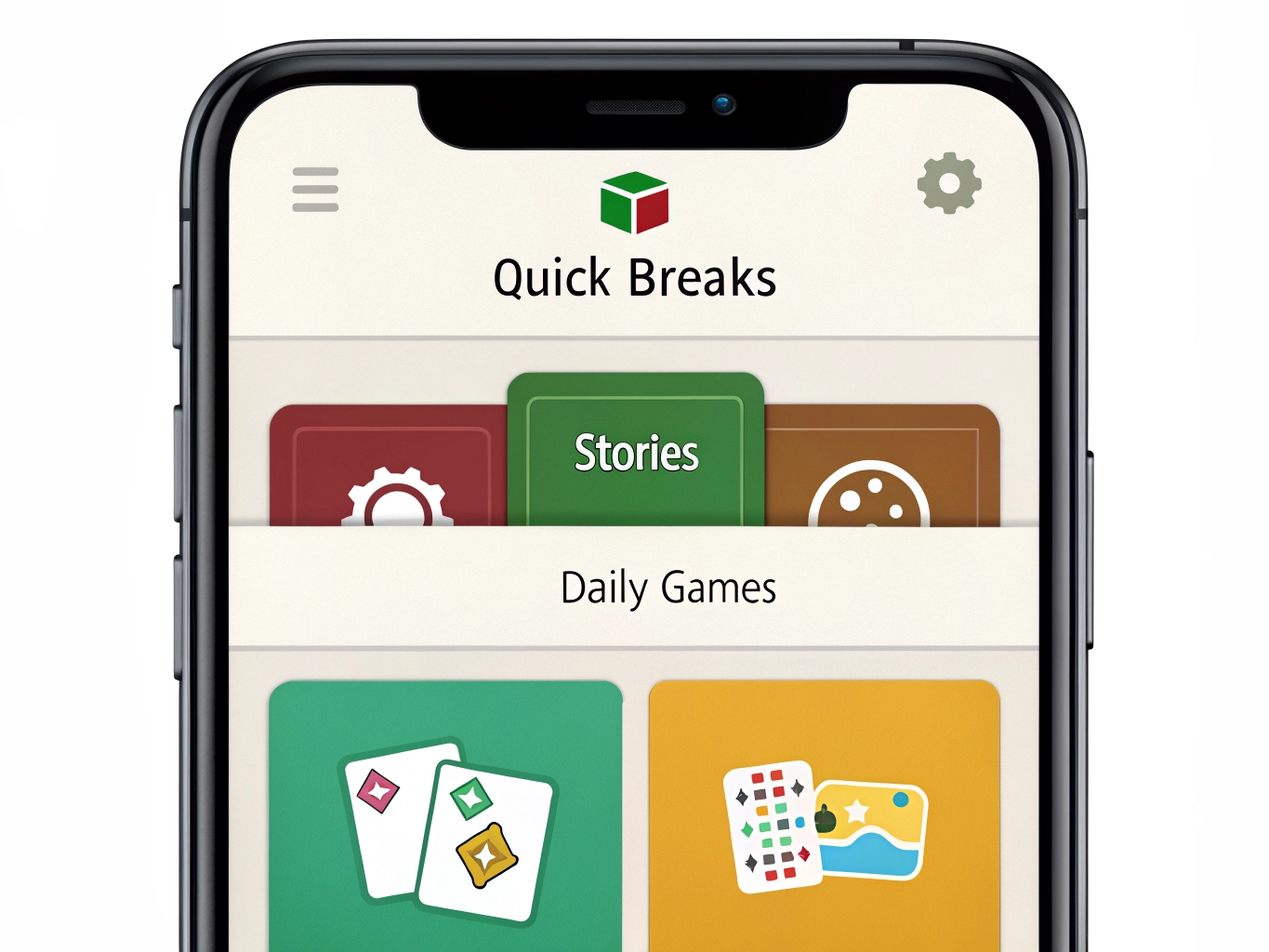

A messy phone can make games feel more tiring before you even open one. You swipe through pages of icons, pass games you forgot you installed, and end up opening the same two apps because they are easy to find. Organization sounds boring, but it changes how you play. When your games are arranged by mood and purpose, it becomes easier to choose something that fits the moment instead of falling into whatever icon happens to be nearby.
Begin with an honest clean-up. Look at every game on your phone and ask when you last opened it. If the answer is months ago and you feel no interest, delete it. You can usually reinstall later. Keeping old games just in case creates visual clutter and takes storage that active games may need for updates. If you are worried about losing progress, check whether the game is linked to an account before deleting. Cleaning up should feel safe, not careless.
Next, group games by how you use them rather than by genre labels from the app store. A folder called Quick Breaks may include puzzles, word games, and simple arcade games. A folder called Stories may include visual novels, choice-based adventures, and character-driven games. A folder called Daily Games may include apps with check-ins, farms, or collection systems. These names reflect your real behavior, which makes them more useful than technical categories.
Keep only a few favorites on the home screen. If every game is treated as urgent, none of them feels special. Put one or two current favorites where they are easy to reach. Everything else can live in folders. This reduces random opening and helps you decide intentionally. A game deserves home screen space when it fits your current routine, not just because it has a colorful icon.
Use a temporary folder for games you are testing. Many players download several recommendations at once and forget which ones are new. Create a folder called Try Later or Testing. Give each new game a few short sessions. If you enjoy it, move it to a real folder. If not, delete it. This simple system keeps experiments from becoming permanent clutter. It also makes game discovery feel more organized and less overwhelming.
Notifications should match the folders. If a game is in Daily Games, maybe reminders are useful. If it is in Quick Breaks, constant alerts may be unnecessary. If it is in Stories, you might prefer to open it when you have quiet time rather than when it asks for attention. Organizing apps is not only about icons. It is also about deciding which games are allowed to interrupt you and which are there when you choose them.
Review your setup every few weeks. Your taste changes. A game that felt perfect last month may now feel repetitive. Another app may become your new evening favorite. Moving games around is normal. A well-organized phone should support your current life, not preserve every past download. When game apps are easier to understand at a glance, playing becomes more intentional, storage stays healthier, and casual gaming feels less like clutter and more like a set of choices you actually enjoy.
A good organization system also reduces impulse downloads. When you have a folder for games you are testing, you can see how many experiments are already waiting. That makes it easier to pause before installing another recommendation. More games do not always mean more fun. Sometimes they only create more icons to ignore.
Use your first screen as a small recommendation list from yourself to yourself. The games there should match what you currently enjoy, not what you feel guilty for abandoning. If an app makes you think, I should really get back to that, it may not deserve the easiest spot. Home screen space works best for games you naturally want to open.
This also helps if you are building a content site or writing about games. A clean phone makes it easier to notice categories of play: quick break games, story games, comfort games, daily routine games. Your own organization can become a useful way to think about what casual players actually need.
Organization also makes it easier to spot what kind of player you are becoming. Maybe your quick folder gets used daily while competitive games sit untouched. Maybe story games stay on your phone longer than puzzle games. That information is useful. Instead of chasing trends, you can build a game library around the sessions you actually enjoy, which is exactly how a real casual gaming routine becomes sustainable.
A final clean-up step is to remove old folders that no longer make sense. If a folder called New Games contains apps from six months ago, rename it or empty it. Organization only works when it reflects reality. Your phone should help you choose, not remind you of every experiment you forgot to finish.