
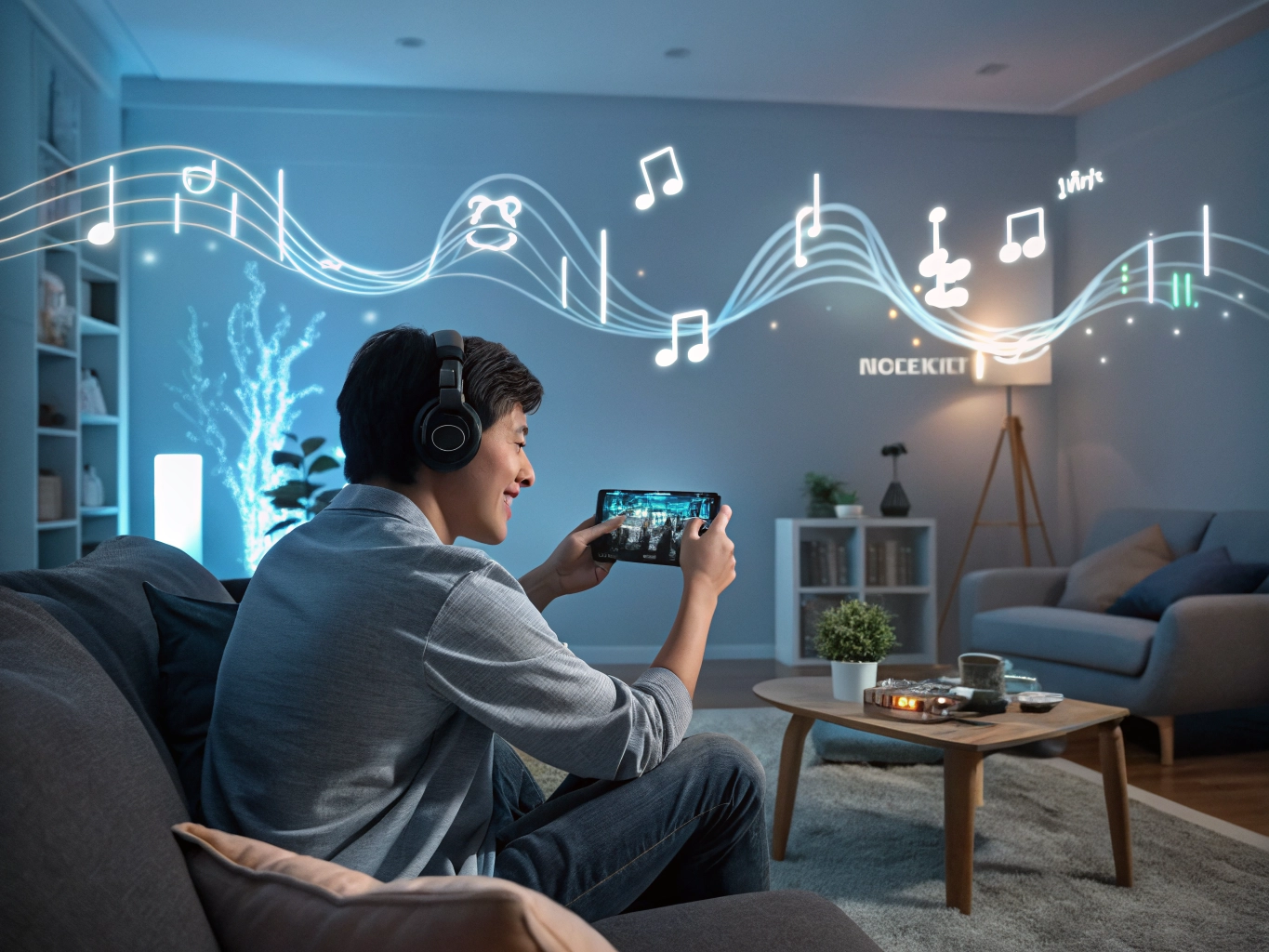

Sound is easy to ignore until it becomes annoying. A mobile game may have beautiful music, cheerful reward sounds, dramatic voice lines, and vibration for every tap. At first, all of this can make the game feel alive. After twenty minutes, the same sounds may start to feel busy. Beginners often use the default audio settings because changing them seems unnecessary. But sound is one of the quickest ways to make a game feel more personal and comfortable.
Open the audio menu and look for separate sliders. Many games divide sound into music, effects, voice, and sometimes ambient sound or vibration. Do not treat them as one volume. Music sets the mood, effects confirm actions, voices carry character personality, and vibration adds physical feedback. Each has a different job. If a game feels loud or messy, lowering sound effects may help more than lowering everything. If dialogue matters, keep voices clear and reduce background music instead.
Start with the setting you can actually control
For story games, voice and music deserve special care. Loud music can bury dialogue, while silent scenes may feel flat if the music is completely off. Try setting music lower than voices so the emotional tone remains without fighting the words. If you read faster than voice lines play, decide whether voices add enough charm to keep on. Some players prefer voices during major scenes and silence during routine tasks. There is no wrong answer if the story feels better to you.
For puzzle and casual games, repeated effects are the main issue. A sound for every match, reward, button, combo, and pop-up can become tiring. Lower effects until they are helpful but not sharp. You still want confirmation when something happens, but you do not need every action to feel like a celebration. This is especially true during short breaks at work or on public transport, where subtle sound is more comfortable.
Vibration is worth testing separately. It can make taps feel satisfying, but it can also drain battery and become distracting. If your phone buzzes for every small action, turn vibration down or off. Some games use vibration well for special moments, such as completing a level or unlocking a reward. Others use it too often. The setting should support the experience, not constantly remind you that you are holding a device.
Keep the goal simple
Consider where you play. At night, softer music and no vibration may be best. On a commute, headphones might make voices easier to hear, but sudden loud effects can be unpleasant. At home, you may enjoy music more freely. One audio setup does not need to work everywhere. If you play the same game in different situations, remember that changing sound settings is not a major decision. It is part of fitting the game into your environment.
Good sound settings often disappear. You stop noticing them because they are no longer fighting your attention. The game feels calmer, scenes are easier to follow, and rewards do not shout at you. If a game feels more stressful than it should, audio is a smart place to start. A few slider changes can turn a loud app into something that feels more like your own quiet space.
Audio settings are especially important for games with ads. A game may have calm music, then an ad arrives at a much louder volume. Lowering overall game effects or using phone-level volume control before sessions can reduce sudden jumps. If ads still feel disruptive, consider playing muted in public spaces and saving sound for quieter moments.
Some players enjoy making different sound setups for different times. Morning play may use sound effects only. Night play may use soft music and no vibration. Story sessions may keep voice on, while puzzle sessions may be silent. These small variations make one game fit several moods instead of forcing the same audio experience every time.
If you often quit a game because it feels irritating but cannot explain why, test the audio first. Sound is emotional. Repeated jingles, sharp taps, or dramatic music can create pressure even when the game itself is simple. A calmer audio mix may reveal that the gameplay was fine; the noise was the problem.
If you play several games, do not assume one audio setup fits all of them. A music-heavy story game may deserve headphones, while a puzzle game may be better with effects barely on. A game with voice acting may need a different balance from a game that repeats cheerful reward sounds. Adjusting each game once can save weeks of low-level irritation.
Audio can also affect how premium or cheap a game feels. Balanced sound makes a simple game feel polished, while harsh repeated effects can make even nice art feel tiring. If you are evaluating a new game, spend a minute in audio settings before deciding whether the overall experience feels low quality.