
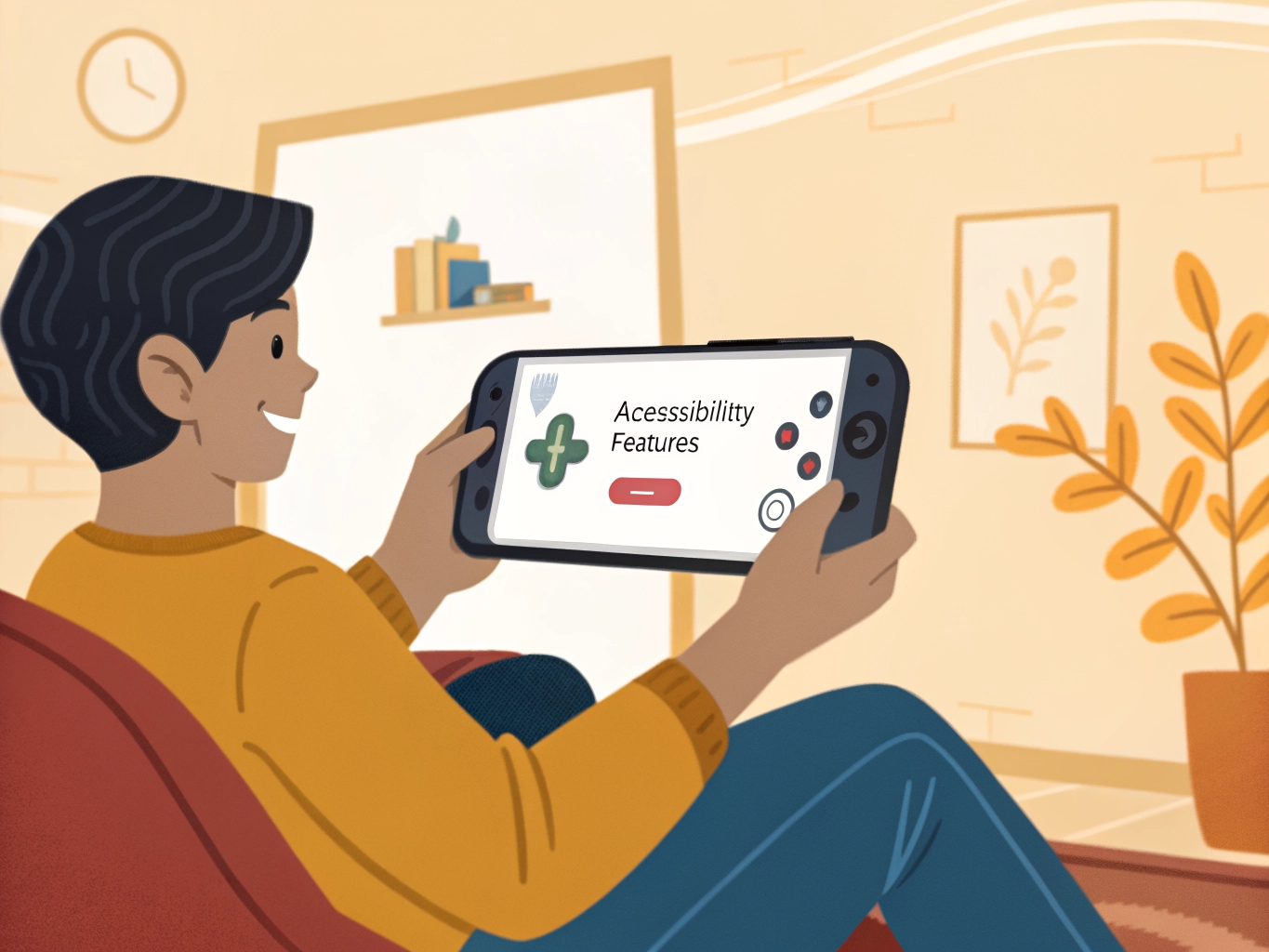

Not every player has a large phone, and not every game is kind to small screens. Tiny buttons, crowded menus, small text, and detailed maps can make casual gaming feel harder than it should. A small screen does not mean you cannot enjoy mobile games. It means you need to be more selective about settings, layout, and the types of games that fit your phone comfortably.
Start with text. If a game includes dialogue, tutorials, item descriptions, or story choices, small text can become exhausting. Check whether the game has text size, subtitle, or accessibility settings. Increase text if possible, even if the default looks neat. Reading should feel easy, especially in games made for story and character moments. If you have to squint, you will not stay immersed for long. A game that respects readable text is usually better for small-screen players.
Controls matter next. Some games let you adjust button size, joystick position, camera sensitivity, or tap areas. Make buttons larger if your thumbs cover too much of the screen or if you mis-tap often. Move controls away from the edges if your phone case makes them hard to reach. In casual games, the goal is not advanced control precision. The goal is to make basic actions feel reliable enough that your hands can relax.
A few checks before you change everything
Landscape and portrait modes feel different on a small device. Portrait games are easier to hold with one hand and often work well for puzzles, stories, and idle games. Landscape games may show more space but require a wider grip. Try both if the game allows it. A game that looks impressive in landscape may not be comfortable for long sessions on a smaller phone. Comfort should matter more than the screenshot.
Reduce visual clutter when you can. Some games fill the screen with event buttons, sale icons, chat windows, ranking badges, and reward markers. If the interface has options to hide chat, collapse menus, or reduce effects, use them. Small screens benefit from calm layouts. When you can clearly see the main action, the game feels more generous and less like a crowded control panel.
Your physical setup helps too. Clean the screen so taps register properly. Use a grip that does not force your thumbs inward. Take breaks if your hands start feeling tense. For story games or slow-paced management games, consider using a small phone stand. You can tap lightly instead of holding the phone tightly the whole time. This simple change can make evening sessions feel much more comfortable.
Finally, choose games that suit the screen you actually have. Some complex strategy games, detailed builders, or action games are designed with larger displays in mind. That does not make them bad, but they may not be the best fit. Cozy puzzles, interactive stories, word games, card games, and simple adventures often work beautifully on smaller phones. A good mobile experience is not about forcing every game to fit your device. It is about finding games and settings that let the device disappear.
Small-screen comfort also depends on how long the game asks you to focus. A tiny button may be tolerable for two minutes but frustrating for twenty. If you plan to play longer, choose games with clear layouts and fewer precision demands. A game that fits your screen for a short session may not fit it for a full evening.
Be careful with games that rely on dense inventory screens. Tiny equipment icons, small numbers, and crowded upgrade menus can be tiring on compact phones. If you enjoy those games, use zoom, text size, or landscape mode when available. If not, choose games where the main action remains readable at a glance.
A small screen can actually be nice for intimate games. Story scenes, word puzzles, cozy matching games, and simple collection loops often feel personal on a phone. The key is not screen size alone; it is whether the game respects the space it has. Good mobile design feels clear even on an ordinary device.
Small-screen players should also be more selective about tutorials and menus. If a game spends its first session showing crowded screens and tiny explanations, that may be a sign of how it will treat the screen later. A good mobile game introduces information in readable pieces. When a game feels clear on a smaller phone, it usually means the designers understand real mobile play.
If a game offers cloud sync, a small screen can pair well with a tablet or larger device later. You might play quick tasks on the phone and save longer sessions for a bigger screen. This is not necessary, but it is useful for players who enjoy story-heavy games and want more comfortable reading when they have time.
Most players do not need a perfect setup. They need a setup that removes the one or two problems they notice every time they play. Fix those first, then let the game prove whether it belongs in your regular rotation.