
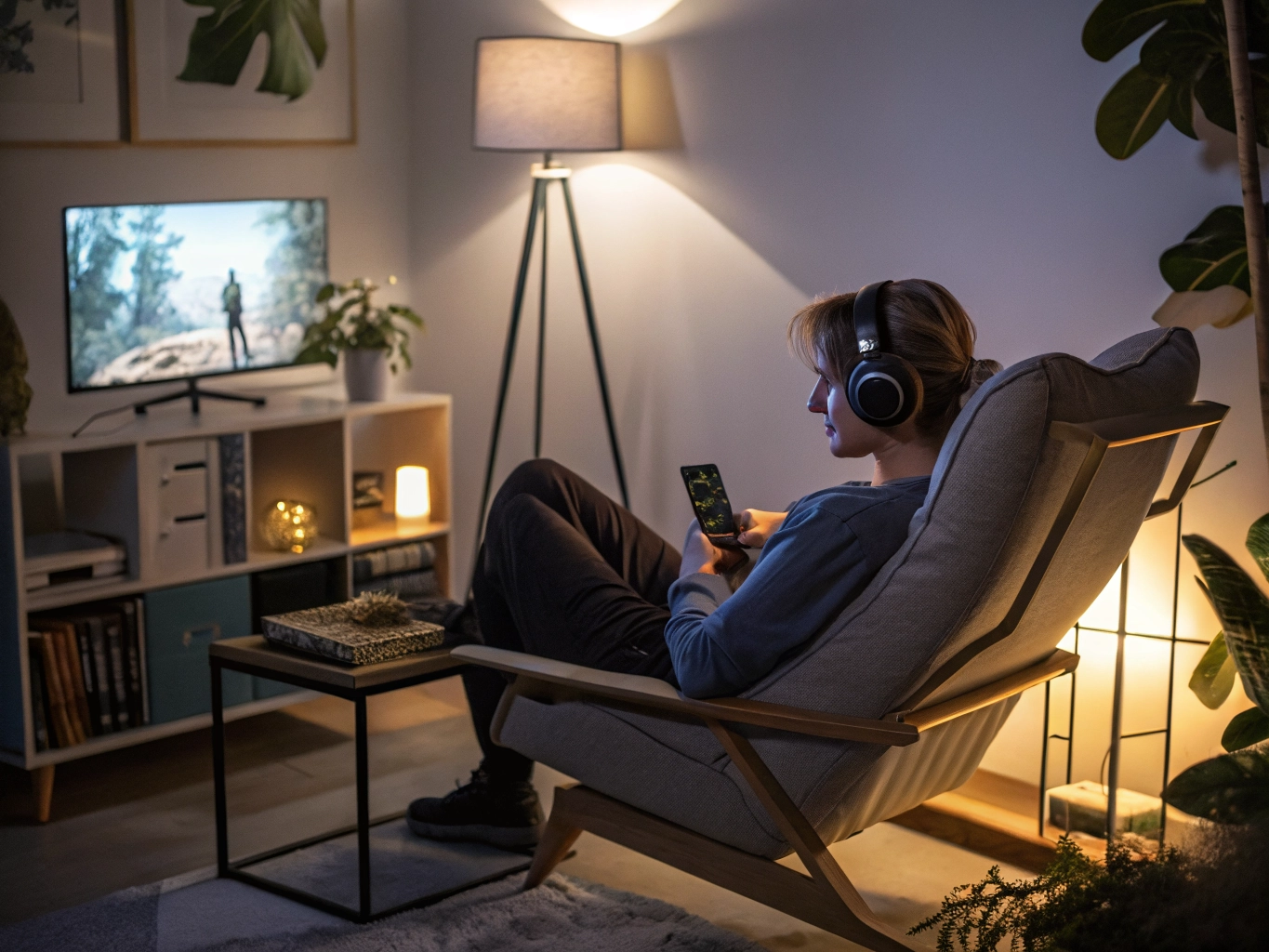

Some mobile games are made for quick breaks, but every player eventually finds one that turns a five-minute visit into a quiet half hour. Maybe it is a cozy puzzle game, a story chapter with a good cliffhanger, or a casual strategy game where one more move keeps becoming possible. Longer sessions are not a problem by themselves. They simply need a better setup than standing in the kitchen with low battery and full brightness.
Begin with comfort. Holding a phone in the same position for too long can make your hands tired before your mind is ready to stop. Use both hands when possible, rest your elbows, or place the phone on a small stand if the game does not require constant tapping. For story games, visual novels, card games, and idle adventures, a stand can make the experience feel more like reading. You are less likely to grip the phone tightly, and the session feels calmer.
Brightness should be comfortable rather than dramatic. Many players keep brightness high because the game art looks better for the first few minutes. After a while, the screen becomes tiring. Lower the brightness to a level where text is clear but not sharp on the eyes. If you play at night, use night mode or warmer screen settings. These small adjustments are especially helpful in games with long dialogue scenes or detailed menus, where your eyes stay focused in one place for a long time.
Battery planning matters, but avoid making charging the only solution. Playing while plugged in is convenient, yet it can make some phones warmer. If you know you want a longer session, charge before playing or keep a cable nearby without using it immediately. Turn on battery saver only if it does not damage the game’s performance. Some games become less smooth when power saving is too aggressive, so test it for a few minutes before settling in.
Small habits make the biggest difference
Sound is part of comfort too. Headphones can make a story or puzzle game feel more immersive, but loud effects become tiring. Set music lower than you think you need, then raise it only if the room is noisy. If the game repeats short sound effects, consider turning those down separately. Many mobile games let you adjust music, voice, and effects. A balanced sound setup helps longer sessions feel peaceful instead of busy.
Prepare for interruptions before they happen. Turn on Do Not Disturb if you do not want banners covering game buttons or story choices. Close apps that send frequent messages. If you still need to be reachable, allow calls from important contacts while muting everything else. This is not just about focus. Unexpected pop-ups can make you mis-tap, lose a timed challenge, or break the mood of a scene. A clean screen makes casual play feel more respectful of your time.
The last part is knowing when to end. Longer sessions are best when they stop at a natural point: after a chapter, after daily tasks, after one puzzle set, or after a reward screen. If you keep going only because the game keeps offering one more thing, the session may feel less satisfying afterward. Set up your phone well, but also set up an exit point. A good session should leave you relaxed, not drained, and the best phone setup is the one that supports that feeling.
Think of a longer session as a small environment rather than just time spent in an app. The chair, lighting, sound, battery level, and phone temperature all shape how the game feels. A good setup is not fancy. It simply removes small annoyances before they pile up. When those annoyances are gone, you can focus on the part of the game you actually came for.
It is also worth choosing the right game for a longer window. Some games are perfect for ten minutes but become repetitive after half an hour. Others need time to settle, especially story games, decoration games, or gentle strategy games. If you know you have a longer break, pick something with a satisfying arc instead of a game that only offers endless small tasks.
After the session, notice whether your body feels tense. Tight hands, dry eyes, or a warm phone are signs that the setup needs adjusting next time. A better gaming experience is not only about progress inside the app. It is also about closing the game and feeling like the break was actually restful.
Longer sessions also benefit from choosing games with clear pauses. A chapter break, level clear screen, save point, or daily summary gives you a moment to check your body and battery. Games without natural pauses can blur together and make it harder to stop. When browsing for new games, pay attention to whether the app gives you clean stopping points. That small design choice can make a big difference for comfort.
Before a long session, decide what would make it feel complete. It could be finishing a chapter, clearing a set of levels, decorating one area, or simply playing until the phone reaches a certain battery level. A clear definition of enough prevents the session from becoming endless. Good mobile play feels chosen all the way through.