
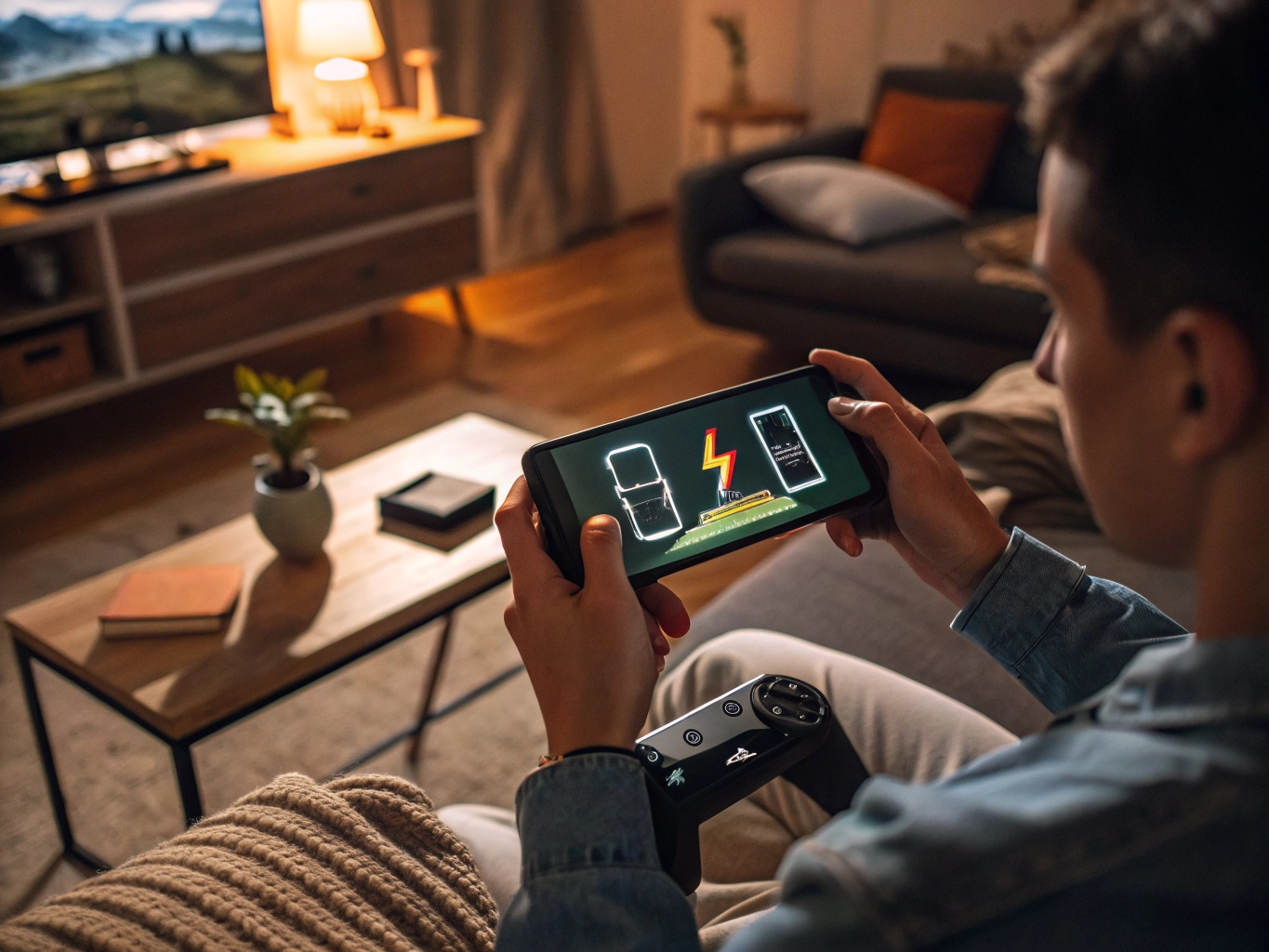

Battery drain can make a relaxing game feel strangely tense. You open a match-three puzzle or story game to unwind, and ten minutes later the battery has fallen faster than expected. Beginners often assume this is just how mobile games work, but battery use depends on many small choices: brightness, connection, graphics, background apps, sound, and how the game loads content. You do not need to stop playing. You only need to remove the unnecessary pressure on your phone.
The easiest win is brightness. The screen is one of the biggest battery users, and games tempt us to keep it high because the art looks more colorful. Try lowering brightness until the text and buttons are still comfortable. You may be surprised how quickly your eyes adjust. For games played indoors, medium brightness is usually enough. If you play at night, a warmer display setting can make the screen easier to look at and may reduce the urge to raise brightness.
Next, check graphics settings. If a game offers high frame rate, high resolution, shadows, or advanced effects, those settings may not be worth the battery cost on a phone. Casual games rarely need maximum visuals to be enjoyable. A story game still works if the background is slightly less detailed. A puzzle game still works if animations are a little simpler. Choose a setting that keeps the game smooth and the phone cool instead of chasing the highest option.
Sound can also affect battery, especially when combined with Bluetooth audio. You do not have to play silently, but lowering volume and turning off repeated effects helps during longer sessions. If you are playing a simple game while commuting or waiting, consider using vibration and sound more selectively. Some games make every tap, reward, and menu move into a little audio event. Those tiny effects add activity without always adding enjoyment.
Network use is a quiet battery drain. Games that constantly check events, ads, leaderboards, cloud saves, and messages will use more power than offline-friendly games. When possible, download needed content on Wi-Fi before a longer session. If you are in a weak signal area, mobile data can work harder and drain faster. A game may feel simple, but if the phone is struggling to stay connected, the battery pays for it.
Close background apps before playing. This is not about obsessively clearing everything every few minutes. It is about removing obvious waste. A video app paused in the background, a navigation app still tracking location, or a social app uploading media can all compete with your game. Also check whether location is necessary. Many casual games do not need location access for normal play. Turning it off for games that do not use it can make the phone feel cleaner.
Finally, pay attention to heat. Heat and battery drain often travel together. If your phone becomes warm, take a short break, remove the case, or lower performance settings. Avoid playing under a blanket or in direct sun. Battery-saving is not about making the game ugly or dull. It is about finding a comfortable balance where the phone lasts long enough for the type of play you actually enjoy. A few thoughtful settings can turn battery anxiety back into ordinary relaxation.
Battery saving works best when it does not ruin the reason you opened the game. If you lower every setting until the game looks dull and feels stiff, you may save power but lose enjoyment. Aim for the middle: enough visual quality to keep the game pleasant, enough restraint to keep the battery from falling too fast. Casual gaming is usually about balance, not maximum performance.
You can also keep a separate group of low-battery games. These are games that run smoothly, load quickly, and do not require a constant connection. When your phone is at twenty percent, open one of those instead of a large game with heavy graphics and events. This small habit lets you keep playing without feeling irresponsible about the rest of the day.
If battery drain suddenly becomes worse after a game update, do not assume it is permanent. Updates can introduce bugs or temporarily rebuild files in the background. Restart the phone, check for another update, and see whether other players mention the same issue. Sometimes patience and a patch solve what settings cannot.
If you are comparing several games, battery behavior can become part of the decision. Two games may be equally fun, but one runs cooler and lasts longer on your phone. For casual players, that practical difference matters. A game that fits your device is easier to return to, easier to recommend, and less likely to become something you uninstall because it feels inconvenient outside a perfect charging setup.
Also remember that battery health changes over time. A phone that used to handle an hour of gaming may feel weaker after years of charging cycles. If all apps drain faster than before, settings can help but may not fully solve the issue. In that case, lighter games and shorter sessions may feel better than fighting the device.