
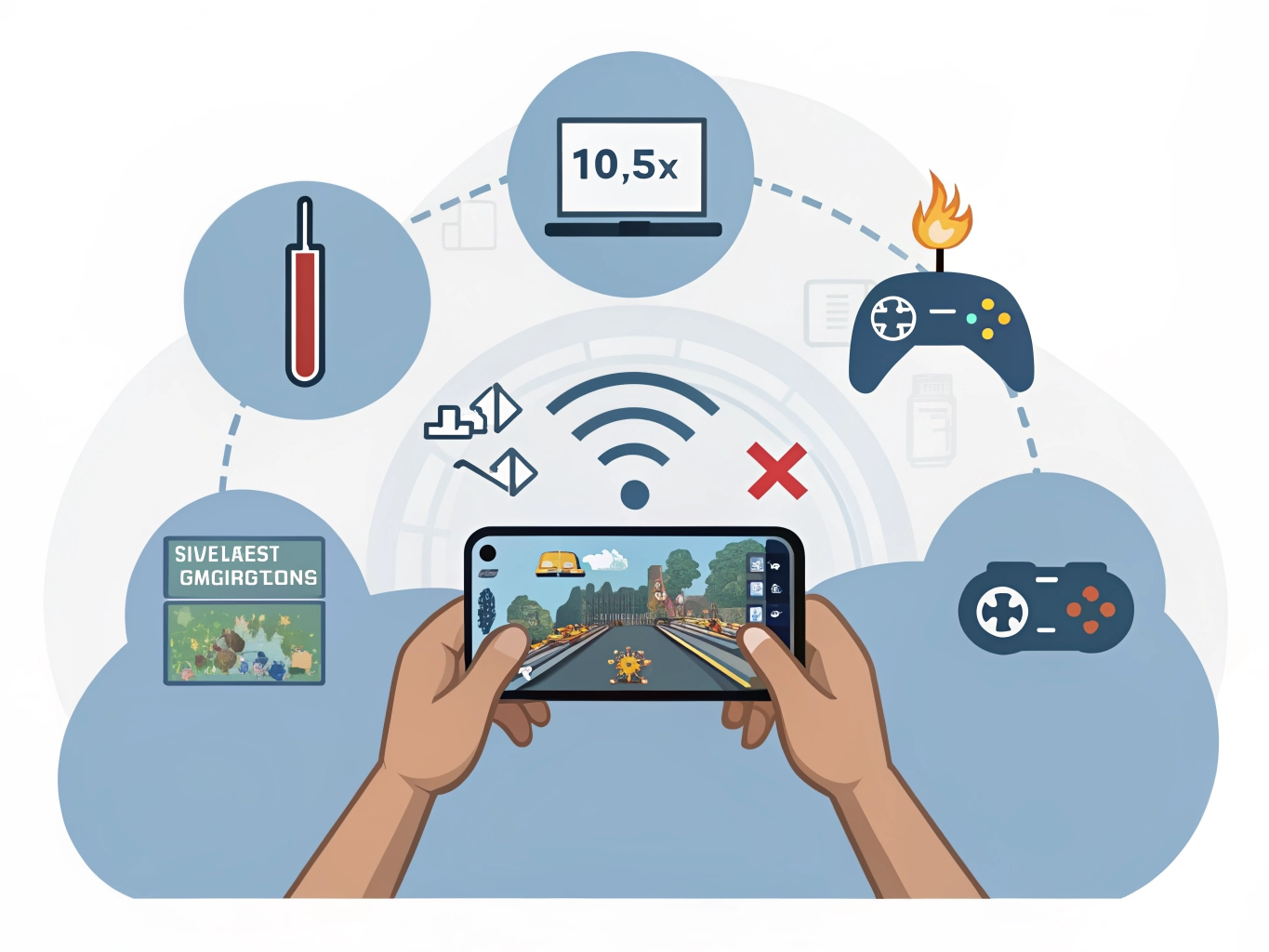

Lag is one of those words players use for everything that feels wrong. A tap responds late. A scene freezes for a second. A reward screen takes too long. Characters move unevenly. Sometimes the game is the problem, but many times lag comes from a mix of phone, network, heat, storage, and settings. The helpful approach is not to change everything at once. Try the most likely fixes in a calm order, then see what improves.
First, notice when the lag happens. If it appears during loading screens, rewards, ads, or daily events, the network may be involved. If it happens during animation-heavy scenes, your phone may be working too hard. If it gets worse after twenty minutes, heat may be building up. If it happens in every game, the phone itself may need attention. This simple observation prevents wasted effort. A connection issue should not be treated like a graphics issue.
Close background apps and restart the game. This sounds basic because it is basic, but it often works. Games can behave badly after updates, interrupted downloads, or long background sessions. Fully closing and reopening the game gives it a clean start. If several apps have been open all day, restart the phone too. Beginners sometimes avoid restarting because it feels like a last resort. In reality, it is one of the safest first steps.
A few checks before you change everything
Check storage next. A nearly full phone can slow down normal tasks, and games need room for temporary files, updates, saves, and cached content. Delete apps you do not use, remove old videos, and clear large downloads. Do not delete random system files or game data unless you understand what they are. The goal is not to create a perfectly empty phone. The goal is to give the game enough space to breathe.
Lower one or two in-game settings. If you see high graphics, high frame rate, shadows, or special effects, reduce them and test again. Do not change every option at once because then you will not know what helped. Start with effects or frame rate, play for a few minutes, and pay attention to touch response. Casual games usually feel better with stable medium settings than with high settings that stutter.
Heat can turn a smooth game into a laggy one. Phones often reduce performance when they get warm to protect themselves. Remove a thick case, lower brightness, stop charging while playing if possible, and avoid direct sunlight. Let the phone rest for a few minutes if it feels hot. This matters even for simple games because ads, animations, downloads, and background services can create bursts of work.
If none of this helps, check whether other players are reporting the same issue after an update. Sometimes a game version has a bug, and there is nothing wrong with your phone. In that case, avoid uninstalling in panic unless your progress is safely linked to an account. Lag is frustrating, but it is also a clue. Read the clue carefully, try small fixes first, and you can often turn a rough game back into something comfortable enough to enjoy.
If lag appears only in one game, compare it with a lighter game you know well. Open the lighter game for a few minutes. If it feels normal, your phone is probably not failing; the heavier game may need different settings or a patch. If every game feels slow, then storage, heat, battery condition, or background apps become more likely suspects.
Be patient after installing or updating. Some games download extra files, compile assets, or sync data during the first launch. The first session can feel rough, then improve later. If the game is still laggy after several normal openings, then it is worth troubleshooting more seriously. A single messy launch is not always a fair test.
Keep notes if the problem continues. Write down when lag happens, what network you used, whether the phone was charging, and whether it was hot. This makes support messages more useful and helps you notice patterns. Troubleshooting becomes easier when you treat lag as information instead of just irritation.
When troubleshooting lag, avoid changing settings during an emotional moment. If you just lost a level or missed a reward, every delay feels worse. Take a minute, return to the main menu, and test calmly. Mobile games are built from many connected pieces, and one bad moment is not always a reliable diagnosis. A calm check gives you a better chance of fixing the real issue.
If you contact support, describe lag in everyday terms and include patterns. Saying that the game freezes after ads or stutters after ten minutes is more useful than only saying it is laggy. Good notes can help developers spot bugs, and they also help you avoid repeating the same fixes without learning anything.