
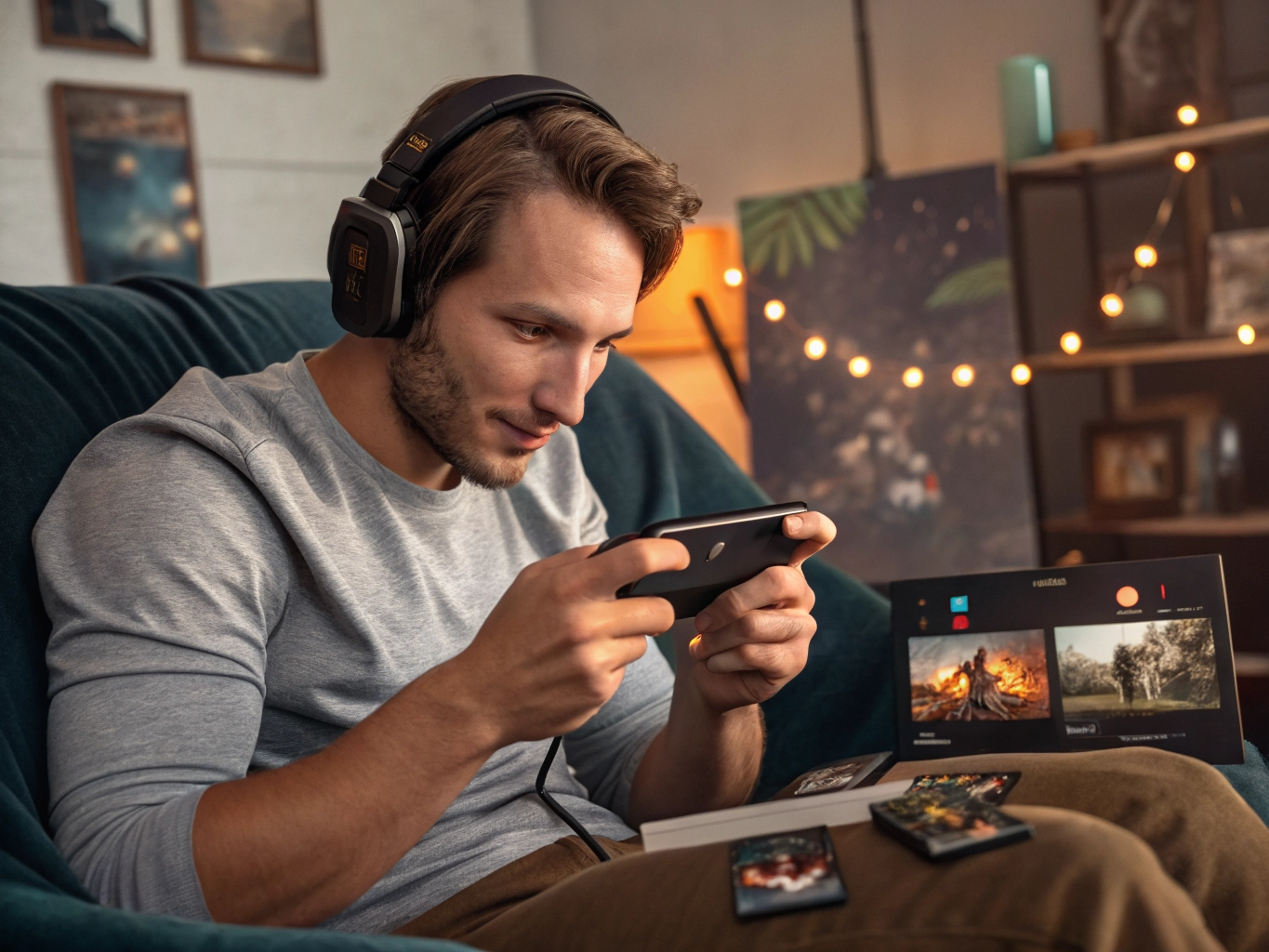

Graphics settings can feel more technical than they really are. A game may offer words like resolution, frame rate, shadows, effects, quality, performance mode, or battery saver. New players often pick the highest option because it sounds best. That choice can work on a powerful phone, but it is not always the best experience. The right setting is the one that makes the game feel clear, smooth, and comfortable for the way you play.
Think about what kind of game you are playing. In a fast action game, smooth movement may matter more than sharper background details. In a story game, readable text and stable character scenes matter more than a high frame rate. In a puzzle game, clean colors and clear pieces matter more than fancy effects. Graphics settings should serve the game’s purpose. If the setting makes the phone hotter, drains battery faster, or causes delays, it is not improving your real experience.
Start with the setting you can actually control
Start in the middle. Medium settings are often the best first test because they show what the game looks like without pushing the phone too hard. Play for ten minutes, not just thirty seconds. Some games run fine in the opening menu but slow down when animations, ads, events, or crowded scenes appear. Notice whether taps feel immediate, whether menus slide smoothly, and whether the phone stays comfortable to hold. These clues matter more than the label on the setting.
Frame rate deserves special attention. Higher frame rate can make movement feel smoother, but it also uses more power. In casual games, you may not need the highest frame rate at all. If you are matching tiles, reading dialogue, managing a cozy world, or making story choices, stable performance is better than maximum speed. Choose high frame rate only if you can clearly feel the benefit and the phone handles it well.
Visual effects are often easier to reduce than resolution. Effects such as bloom, shadows, particles, screen shake, and animated backgrounds can look nice but become distracting. If a game feels busy, turning down effects may make it easier to read and play. This is especially helpful for players who enjoy games before bed or during short breaks, because visual noise can make a simple session feel more tiring than it needs to be.
Keep the goal simple
Do not forget accessibility and comfort settings. Text size, contrast, color options, vibration, and camera movement can shape the experience as much as graphics quality. A beautiful game is not enjoyable if the text is too small or the motion makes you uncomfortable. Explore these settings slowly. Many players never open them, then assume the game is not for them. Sometimes the game only needs a few adjustments.
The best graphics setting is personal. Your friend may prefer high quality screenshots; you may prefer longer battery life and quiet performance. Neither choice is wrong. Test the settings, watch how the phone responds, and keep the option that helps you forget the settings menu exists. When a game feels right, you stop thinking about graphics and start paying attention to choices, puzzles, characters, and little wins. That is the point of adjusting settings in the first place.
There is no prize for using high settings if the game feels worse. Many players keep the highest option because it sounds like the correct one, then tolerate heat, lag, and fast battery drain. A more experienced player chooses settings based on the session. Reading at night, playing on a commute, and relaxing at home may each call for a different balance.
Screenshots can help you compare without relying on memory. Take one screenshot on high settings and one on medium. If the difference is barely noticeable during actual play, choose the smoother option. Mobile screens are small, and many visual upgrades are less important when your thumb is moving and the game is in motion.
Revisit graphics settings after major updates. Games sometimes add new effects, improve optimization, or change default values. A setting that worked six months ago may not be ideal now. Treat the graphics menu as something you check occasionally, not something you fix forever on the first day.
The best test is whether you stop thinking about the graphics menu after adjusting it. If your eyes keep noticing blurry text, lower quality may be too low. If your hands notice heat and lag, quality may be too high. The sweet spot is usually quiet: clear enough to enjoy, light enough to run well, and stable enough that the phone disappears into the background of the experience.
For players who care about character art or story scenes, try raising only the setting that affects what you value most. You may not need every effect at high quality. Keeping portraits clear while reducing shadows or background effects can preserve the emotional part of the game without demanding too much from the phone.