The first home screen of a mobile game can feel like walking into a room where every object is blinking. There may be a shop, inventory, events, quests, mail, characters, rewards, settings, battle pass, rankings, and several icons that only make sense after a week. Beginners often assume they need to understand everything before playing. They do not.
A mobile game menu is not a test. It is a map, and most maps become useful only after you know where you are trying to go. The easiest way to read a new menu is to separate essential buttons from background noise.
Start with the main action
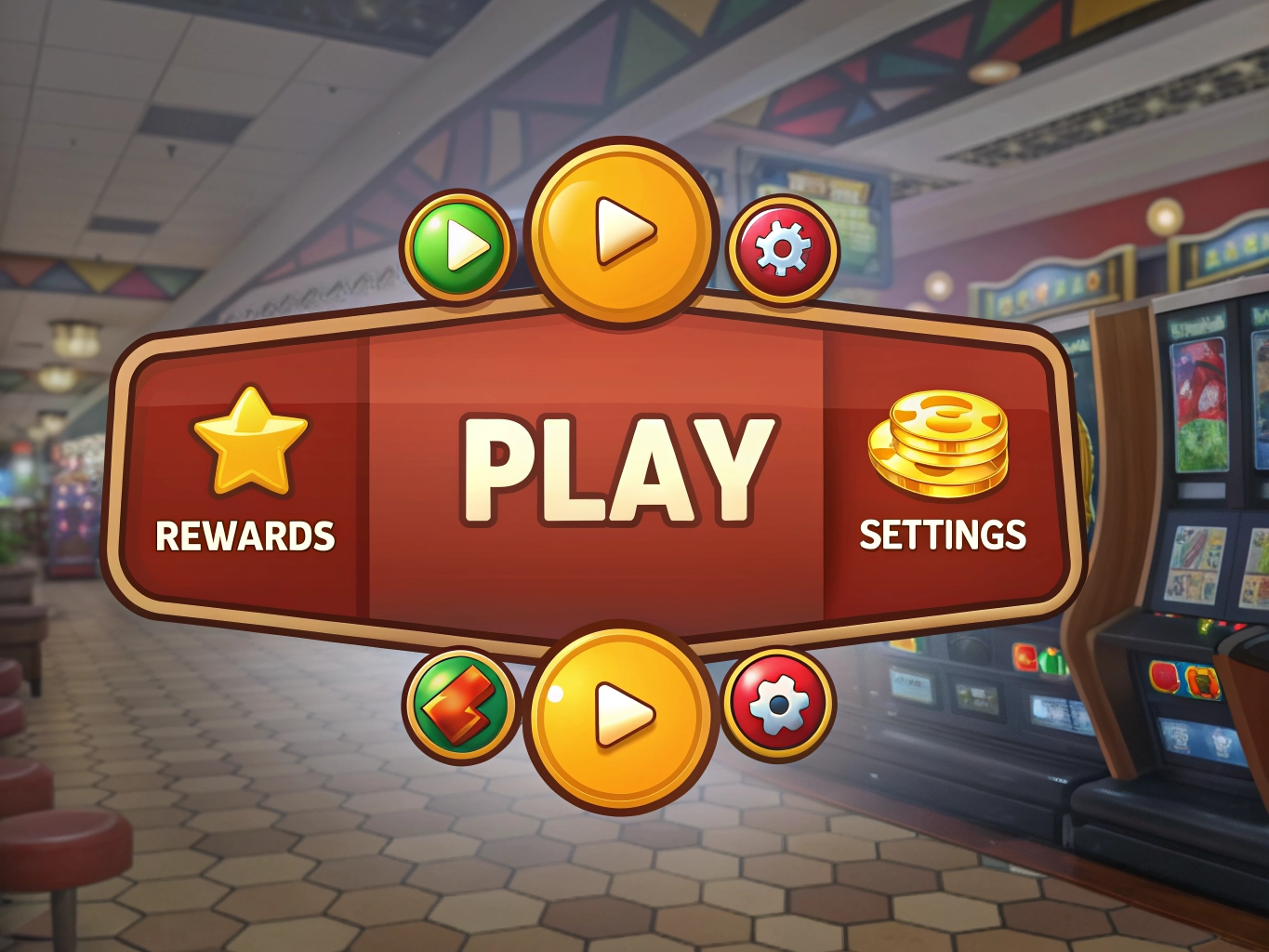
Almost every mobile game has one button that leads to actual play. It might say Start, Story, Stage, Chapter, Play, Adventure, or Battle. Find that first. If you can identify the main action, you already understand more than half of the screen. The rest of the buttons usually support that action by giving resources, upgrades, cosmetics, or side content.
In a story-based game, the main action may be the next chapter. In a puzzle game, it may be the next level. In a simulation game, it may be building or collecting. Once you know the main action, ask what is blocking it. Do you need energy? A stronger character? A completed task? This turns the menu from a wall of icons into a set of tools.
Group icons by purpose
Instead of reading every label individually, group them. One group is progress: missions, chapters, quests, stages. Another is resources: inventory, rewards, mail, login bonuses. A third is improvement: characters, upgrades, equipment, skills. A fourth is spending: shop, bundles, passes, premium currency. The last group is social or extra: guilds, rankings, events, friends.
This grouping helps beginners avoid panic. You do not need the shop to understand the story. You do not need rankings to enjoy a puzzle. You do not need to open social features before deciding whether you like the game. Menus become less intimidating when you realize many buttons are optional.
Red dots deserve special attention because they are designed to pull your eyes. Some red dots are helpful, such as unclaimed mail or a completed quest. Others are reminders for shops or events. When everything has a red dot, nothing is urgent. Open the ones connected to progress first, then ignore the rest until you have time.
- Find the main Play or Story button before opening side menus.
- Check Mail and Rewards because they often contain useful beginner items.
- Visit Settings early to adjust sound, language, graphics, and notifications.
- Treat Shop icons as optional until you understand the game economy.
Settings are more important than many beginners think. If the text is small, the sound is too loud, or notifications are constant, the game may feel worse than it actually is. Spend a minute adjusting these before judging the experience. A comfortable screen can make a complicated game feel calmer.
It is also okay to learn menus over several sessions. Experienced players did not understand everything instantly either. They simply learned what mattered through repetition. Your first goal is not to master the interface. It is to find your next enjoyable action.
When a menu feels overwhelming, return to the simplest question: what do I want to do right now? Continue the story, solve a level, collect a reward, improve a character, or stop for the day. Once you choose the action, the correct button usually becomes easier to spot. A mobile game should become clearer as you play, and a good beginner habit is to let that clarity arrive gradually.
One small habit can make the whole process easier: after each session, take ten seconds to notice what felt good and what felt annoying. Maybe the levels were too long, maybe the story pulled you in, or maybe the notifications were more stressful than helpful. That tiny note gives you a clearer sense of your taste than any chart or rating score. Over time, you learn which games deserve a place on your phone and which ones only looked appealing for a few minutes. For a beginner, that awareness is more useful than chasing every new recommendation.
Do not be embarrassed to ignore icons for several days. Experienced players often learn menus by repetition, not by reading every explanation. You can do the same. Open the main mode, collect obvious rewards, and let unfamiliar buttons stay unfamiliar until they become relevant. A game menu becomes easier when you stop treating every icon as urgent information.
Do not be embarrassed to ignore icons for several days. Experienced players often learn menus by repetition, not by reading every explanation. You can do the same. Open the main mode, collect obvious rewards, and let unfamiliar buttons stay unfamiliar until they become relevant. A game menu becomes easier when you stop treating every icon as urgent information.
Do not be embarrassed to ignore icons for several days. Experienced players often learn menus by repetition, not by reading every explanation. You can do the same. Open the main mode, collect obvious rewards, and let unfamiliar buttons stay unfamiliar until they become relevant. A game menu becomes easier when you stop treating every icon as urgent information.